


By MIKE COURSON
Great Bend Post
The Kansas Legislature’s passage of House Bill 2299 is well-known at this point for its ban of mobile devices in classrooms across the state. A lesser-known part of the bill regulates how school districts can use social media to communicate with students. The new law prohibits district employees from using personal social media or direct digital messaging to communicate with students for official school purposes. Districts are handling the legislation differently, and in July, USD 428 approved a platform for social media use for Great Bend public schools.
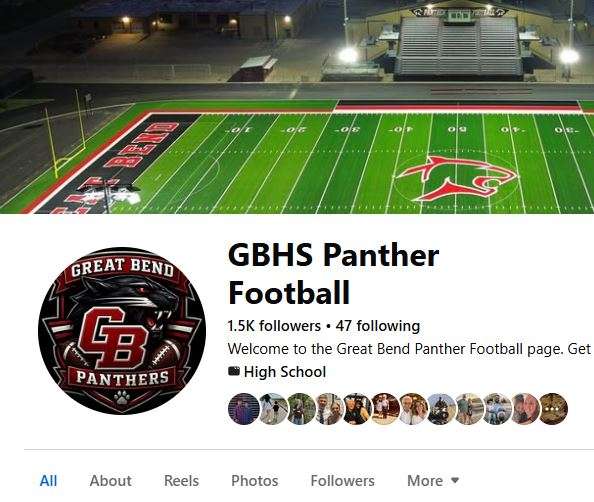
“Staff is prohibited from communicating with students on any social media platform,” said USD 428 Public Information Director Andrea Bauer. On our official school pages, messages and comments remain, but auto-replies instruct individuals to call the school building directly for a response. For team pages, we are in the process of moving ownership over to the district and messaging will be turned off.”
While the new law does not prohibit district officials from communicating with parents or members of the public on social media, districts are put in the impossible position of determining who is really behind the keyboard.
“More than anything, we're shifting our mindset and practices on social media to be a broadcast platform only, providing one-way announcement-style information,” Bauer said.”
In response, USD 428 launched the Great Bend Public Schools mobile app, which is available in your phone’s app store. The app provides a way to stay up to date with district calendars, news, and the latest events. Parents and guardians can utilize a new chat feature. To connect to teachers and coaches, parents and guardians will need to use the email listed in their Skyward account, and select the “forgot password” option prompt on the first attempt to login.